Nosme vs NotchLive

Which translation tool is right for you? Compare features, pricing, and use cases to decide.
Nosme

Nosme

Free Tier

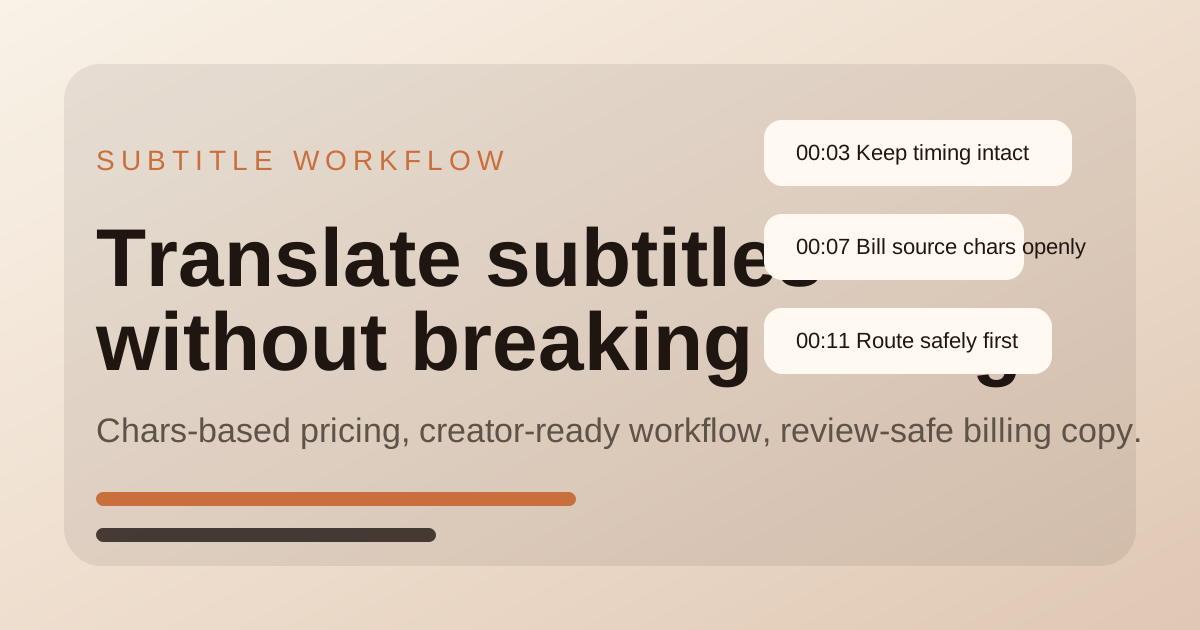
Nosme translates SRT, VTT, ASS, SSA, and SUB subtitles while preserving timing for creator workflows.

View details →

NotchLive

NotchLive

Free Tier

Private, on-device live captions and translation for Mac meetings, calls, videos, and microphone speech, without a meeting bot or cloud audio upload.

View details →
FeatureNosmeNotchLive
PricingFree TierFree Tier
CategoryTranslation ToolsTranslation Tools
Key Features
  • •Translates subtitle files while preserving timestamps and format
  • •Supports SRT, VTT, ASS, SSA, and SUB subtitle workflows
  • •Gives creators a file-first workbench with preview and export
  • •Captions audio from any Mac app or microphone with on-device Whisper and Core ML
  • •Real-time translation, Ghost Mode, saved sessions, export, and private Meeting Intelligence
  • •No meeting bot and no NotchLive cloud audio transcription
Use Cases
  • ✓YouTube creators localizing subtitle files for a new audience
  • ✓Small teams translating course or product videos
  • ✓Editors who need subtitle timing to stay intact after translation
  • ✓Follow fast English and varied accents in Zoom, Google Meet, or Microsoft Teams calls
  • ✓Use private captions during screen-shared client meetings and remote work
  • ✓Get captions and translation for videos, lectures, podcasts, and online learning

Try Nosme

Visit site

Try NotchLive

Visit site
    Nosme vs NotchLive: Which is Better? (2026) | LargeMI