Doc Translator vs Nosme

Which translation tool is right for you? Compare features, pricing, and use cases to decide.

Doc Translator

Doc Translator

Free Tier

Doc Translator translates PDFs, Office documents, EPUBs, images and subtitles across 150+ languages while preserving layout, fonts and structure for professionals, researchers and teams working with multilingual files.

View details →
Nosme

Nosme

Free Tier

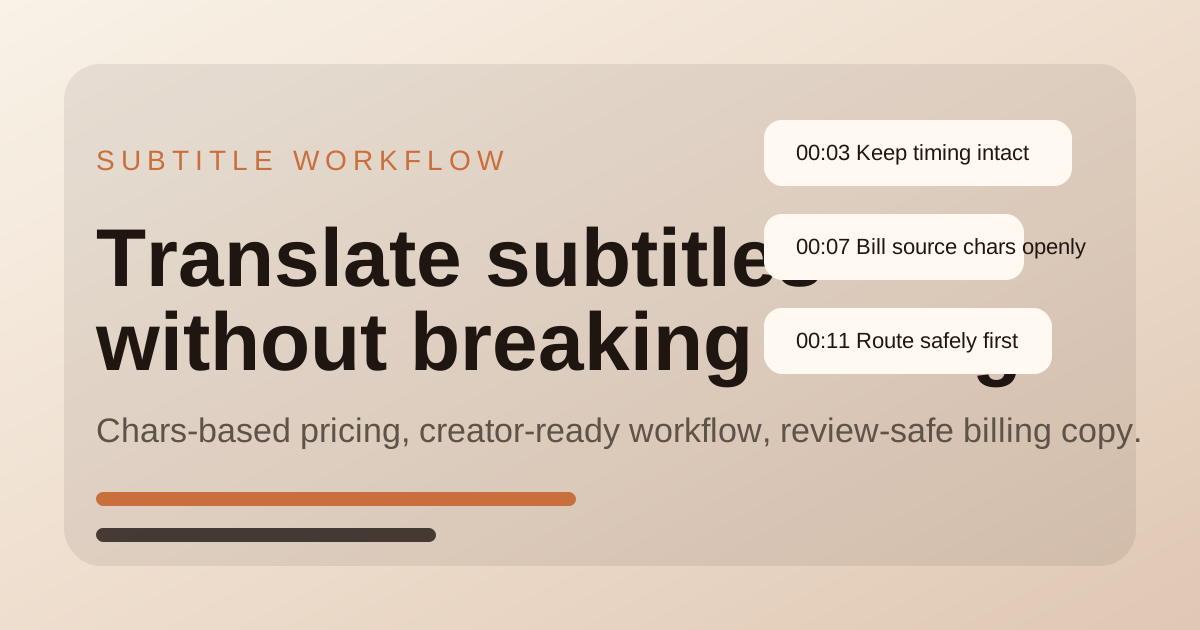
Nosme translates SRT, VTT, ASS, SSA, and SUB subtitles while preserving timing for creator workflows.

View details →
FeatureDoc TranslatorNosme
PricingFree TierFree Tier
CategoryTranslation ToolsTranslation Tools
Key Features
  • •AI-powered translation across 150+ languages
  • •Preserves document layout, fonts and structure
  • •Supports PDFs, Office documents, EPUBs, images and subtitles
  • •Translates subtitle files while preserving timestamps and format
  • •Supports SRT, VTT, ASS, SSA, and SUB subtitle workflows
  • •Gives creators a file-first workbench with preview and export
Use Cases
  • ✓Translate business reports for international colleagues
  • ✓Read research documents in another language
  • ✓Translate subtitle files for multilingual content
  • ✓YouTube creators localizing subtitle files for a new audience
  • ✓Small teams translating course or product videos
  • ✓Editors who need subtitle timing to stay intact after translation

Try Doc Translator

サイトへ

Try Nosme

サイトへ
    Doc Translator vs Nosme:どちらが良い?(2026) | LargeMI